Manage changes  

To manage changes, you can use versioning, branching, an archive and the trash.
Versioning
You can make a new version of an artifact, transform, or collection by passing an existing key. For example, for an artifact:
import lamindb as ln
from pathlib import Path

Path("my_file.txt").write_text("v1")
artifact = ln.Artifact("my_file.txt", key="my_file.txt").save()

Path("my_file.txt").write_text("v2")
artifact_v2 = ln.Artifact("my_file.txt", key="my_file.txt").save()

artifact_v2.versions.to_dataframe()  # see all versions of this artifact
This works because Artifact, Transform, and Collection inherit from IsVersioned.
Branching
All primary objects like artifacts, records, transforms, etc. (any that inherit from SQLRecord) have a branch field that determines their life cycle.
There are three built-in branches: main, trash, and archive. By default, objects are created on the main branch and visible in queries and searches.
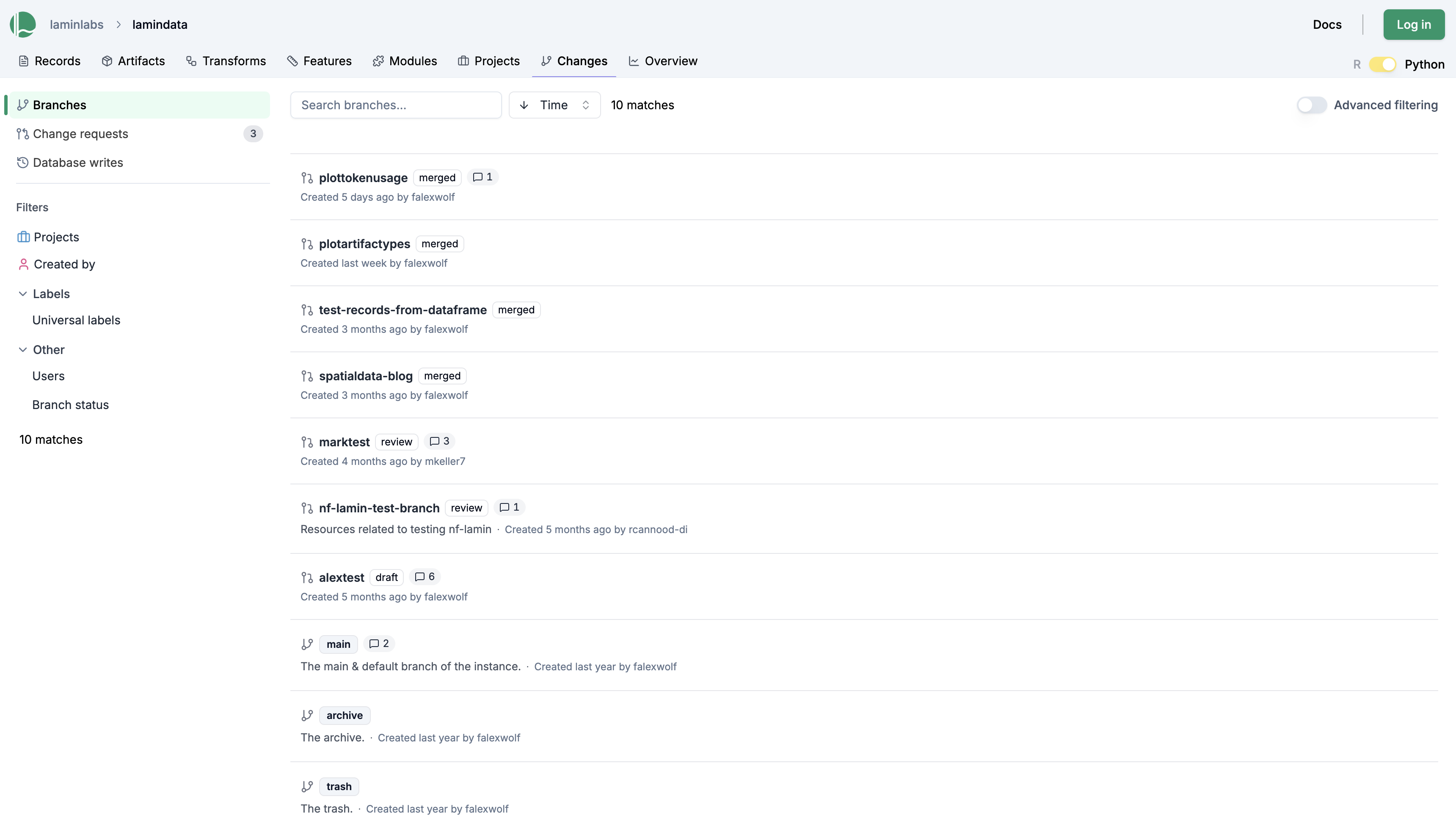
lamin list branch
ln.Branch.to_dataframe()
Archive & trash
If you delete an object, it gets moved into the trash. There, it’s hidden from queries and search and scheduled for deletion.
artifact.delete()
trash = ln.Branch.get(name="trash")
assert artifact.branch == trash

# the artifact does not show up in a default query
ln.Artifact.filter(key="my_file.txt")

# you can still query for it by adding the trash branch to the filter
ln.Artifact.filter(key="my_file.txt", branch=trash)

# you can restore it from trash
artifact.restore()
To move an object into the archive, run:
archive = ln.Branch.get(name="archive")
artifact.branch = archive
artifact.save()

# you can still query for it by adding the archive branch to the filter
ln.Artifact.filter(key="my_file.txt", branch=archive)
Objects in the archive are hidden from queries and search but they are not scheduled for deletion.
Contribution workflow
Create a branch
To create a contribution branch and switch to it, run:
lamin switch -c my_branch
This configures a default branch in your environment that takes effect in shell, Python, and R sessions. All objects you create are then created on that branch.
Alternatively, you can configure a branch via the API:
ln.setup.settings.branch = "my_branch" # equivalent to lamin switch my_branch via CLI
ln.track(branch="my_branch") # default branch for all objects created in a run on my_branch
ln.Artifact(..., branch="my_branch")  # add an artifact on my_branch
ln.ULabel(..., branch="my_branch")  # add a ULabel on my_branch
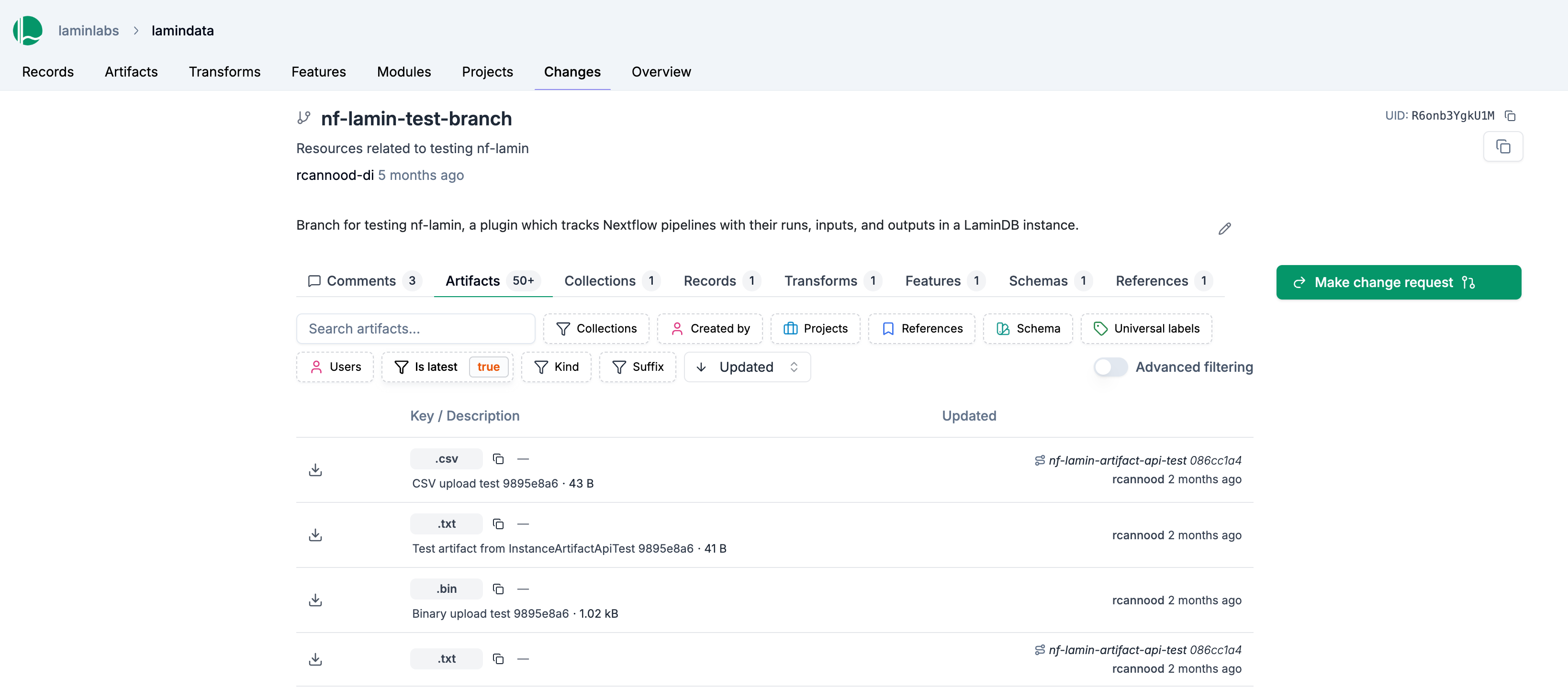
Open a Change Request
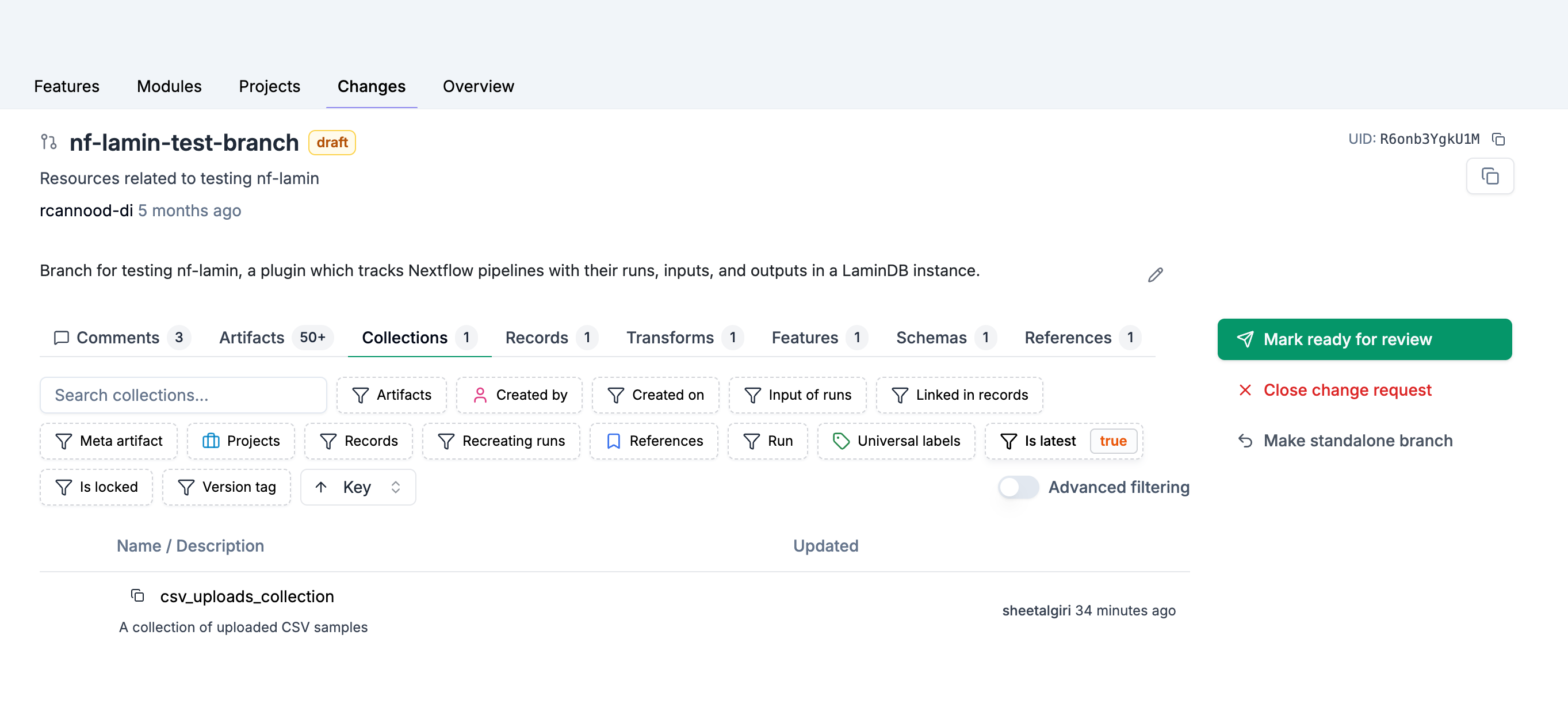
Open the branch in the Changes page, and use the “Make change request” button to set it to “draft.”
Once you think the branch is ready, use the “Mark ready for review” button to submit it for review.
lamin update branch --status draft  # for current branch
lamin update branch --name my_branch --status review  # for any branch
branch = ln.Branch.get(name="my_branch")
branch.status = "draft"
branch.save()

branch.status = "review"
branch.save()
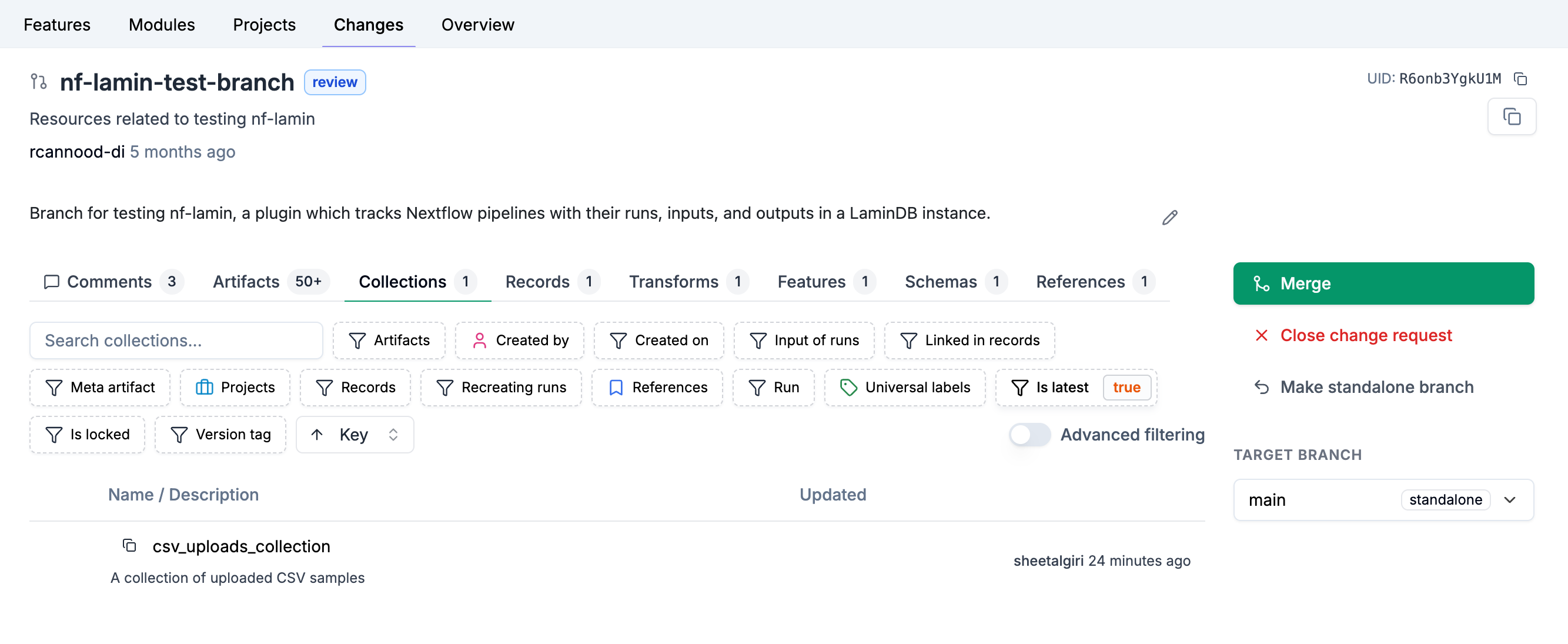
Merge a branch
To merge your contribution branch into the main branch, set the “Target Branch” dropdown to main and use the “Merge” button.
lamin switch main  # switch to the main branch
lamin merge my_branch  # merge contribution branch into main
ln.setup.merge("my_branch", target="main")
Work with branches
To see the current branch along with other information, run:
lamin info
Add notes to a branch:
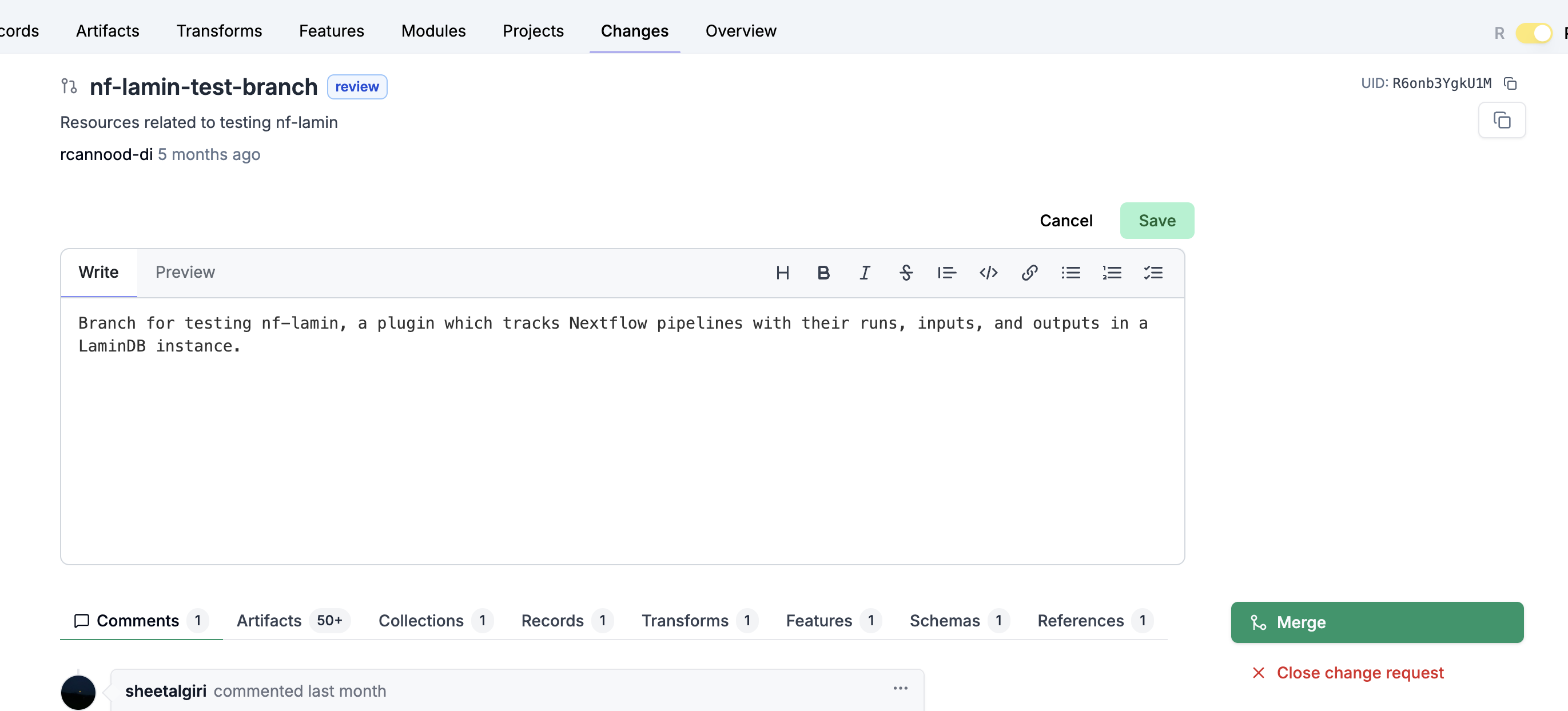
lamin annotate branch --readme README.md
Comment on a branch:
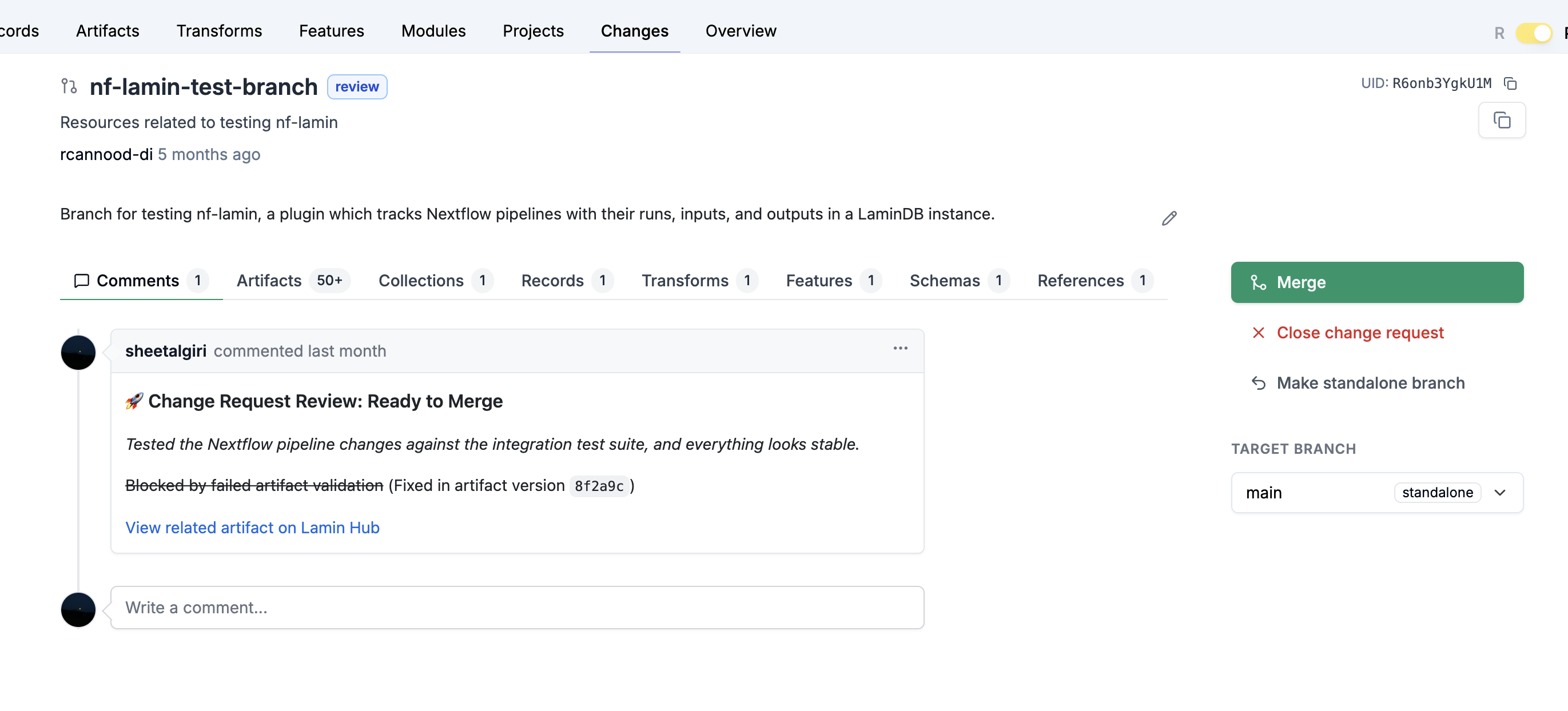
To comment on the current branch, run:
lamin annotate branch --comment "I think we should revisit this, tomorrow, WDYT?"
To describe the current branch (optionally include comments), run:
lamin describe branch --include comments
To see on which branch a SQLRecord object was created, run:
sqlrecord.created_on
Just like Pull Requests on GitHub, branches are never deleted so that the provenance of a change stays traceable.
For the API reference, see Branch.