Manage records

Edit records like sheets
The hub offers a spreadsheet-like edit experience for Record types that enforce a schema:
Create or select “sheet” on the left navbar. Example
Organize your sheets using types, similar to creating folders that contain different groups of related sheets. This hierarchical structure is visualized in the left navigation panel — click the
+button to create new sheet types and build your organizational taxonomy.
Select the type you want.
Click on “Edit” to add edit rows in the sheet.
Each value in the sheet becomes a selectable option in dropdown menus.
You can link columns in one sheet to another sheet or registry by specifying the appropriate data type. This creates relational connections that maintain data integrity and enable powerful cross-referencing.
In the example shown, the
time_unitcolumn points to the TimeUnit sheet, which defines the permissible values for this field. This relationship ensures that only valid time units can be selected.
Column relationships include registry links to predefined registries like TimeUnit or Treatment, ontology references that connect to biological ontologies (bionty.Organism, bionty.Tissue), cross-sheet references that link to records in other custom sheets, and enum constraints that restrict values to predefined lists.
Sheets display field definitions in the headers, showing both field names and their corresponding data types:
Export records as artifacts
Click on “Export to Artifact” to save all records under a type as an artifact.
Link transforms to a record
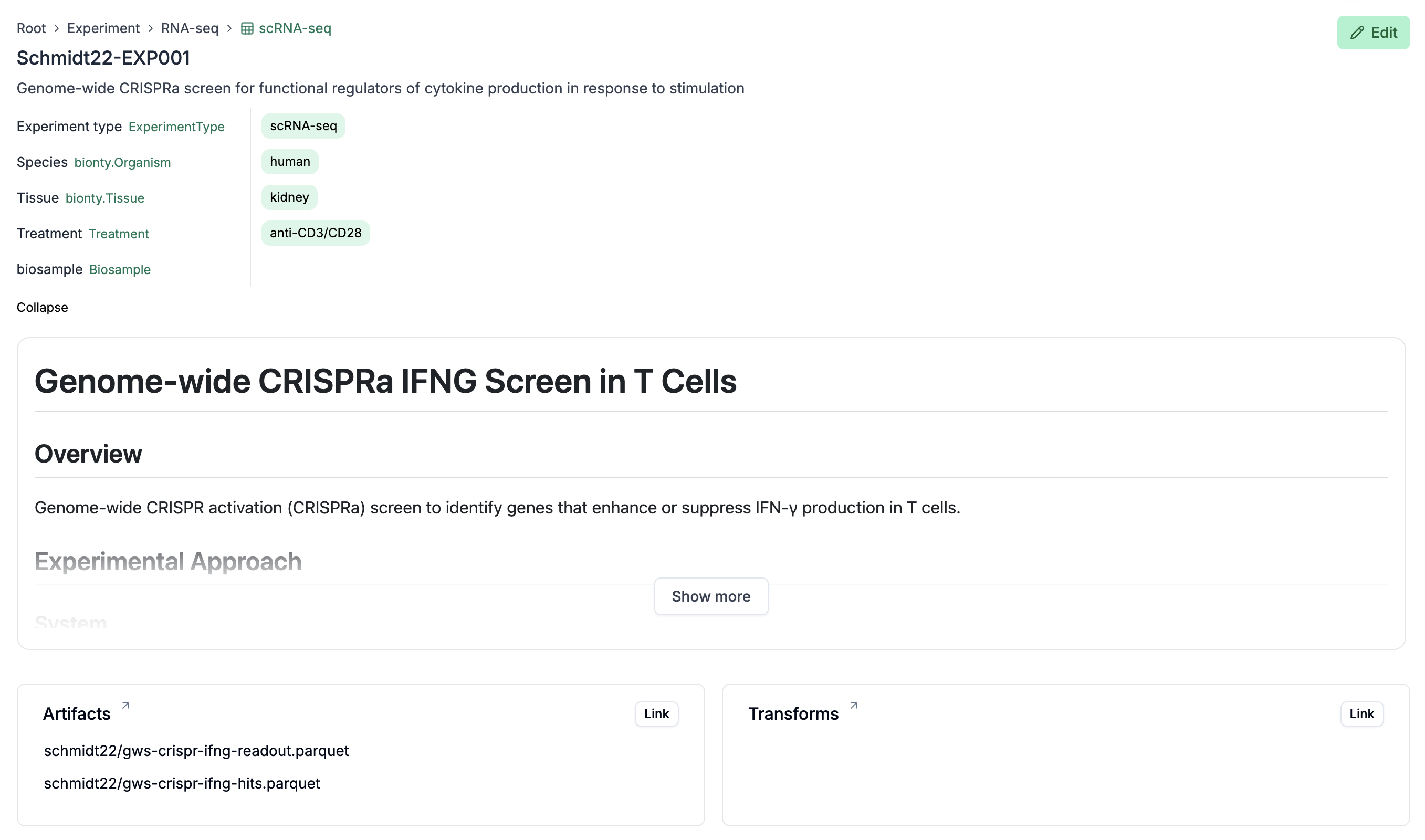
Click on the “Link” button in the “Transforms” card of the record page, e.g., here: https://lamin.ai/laminlabs/lamindata/record/mPiUOc67hQAw4Pgz
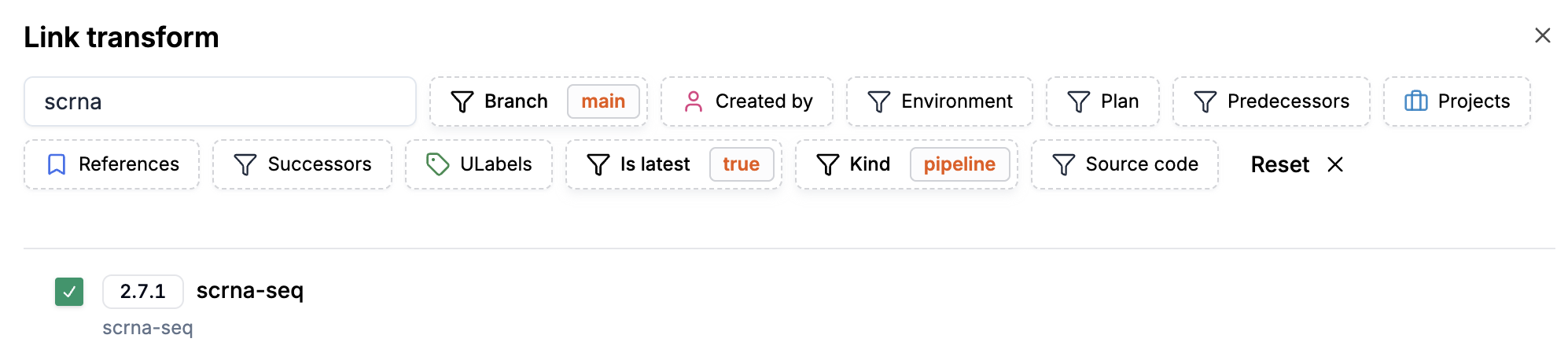
Select a transform:
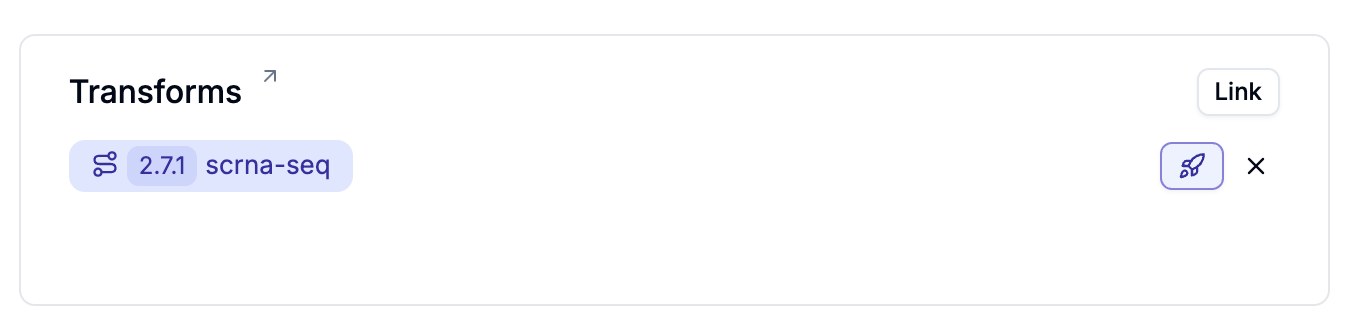
You can now launch the transform via the small “Launch” button, directly from the record: